 0ct0pu5.blog
sudo apt update && sudo apt upgrade -ysudo apt install git curl -ysudo apt install git curl -ycurl -fsSL https://deb.nodesource.com/setup_lts.x | sudo -E bash -sudo apt install nodejs -ynode -vnpm -vgit clone https://github.com/louislam/uptime-kuma.gitcd uptime-kumanpm run setupsudo apt install mariadb-server -ysudo systemctl enable --now mariadbsudo mysql_secure_installationsudo mysql -u root -pCREATE DATABASE uptimekuma;CREATE USER 'kumauser'@'localhost' IDENTIFIED BY 'StrongPassword';GRANT ALL PRIVILEGES ON uptimekuma.* TO 'kumauser'@'localhost';FLUSH PRIVILEGES;EXIT;node server/server.jssudo nano /etc/systemd/system/uptime-kuma.service[Unit]Description=Uptime Kuma Monitoring ServiceAfter=network.target[Service]Type=simpleWorkingDirectory=/root/uptime-kumaExecStart=/usr/bin/node server/server.jsRestart=alwaysEnvironment=NODE_ENV=production[Install]WantedBy=multi-user.targetsudo systemctl daemon-reexecsudo systemctl enable uptime-kumasudo systemctl start uptime-kumasudo systemctl status uptime-kumaInstall Caddy Web Server on Debian 13 and set caddy security headers for grade A+
domainname.com {
    reverse_proxy 127.0.0.1:3001
    import /etc/caddy/caddy_security.conf
}
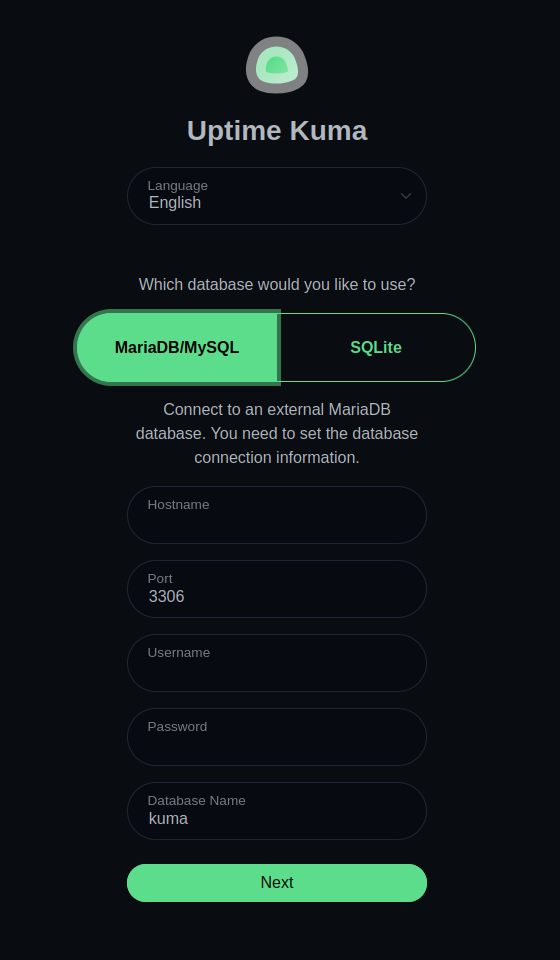
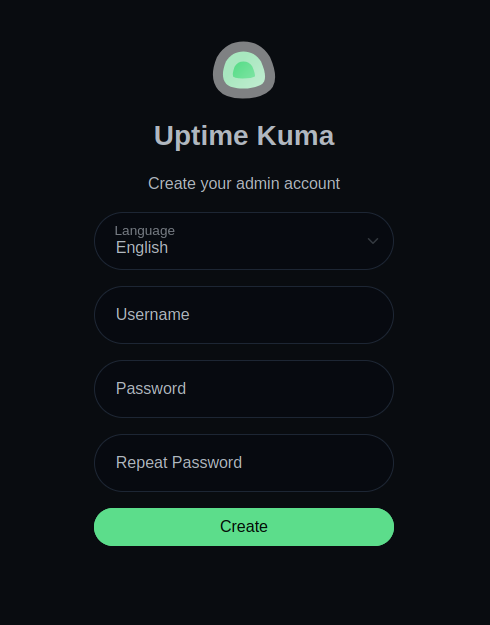
open your browser: https://domainname.com/setup-database